OFFICESTRA

Put Claude Code, Codex, and Antigravity
in the same office

This is not another model picker. It is a control room for independent AI sessions.

OFFICESTRA is a local-first multi-AI orchestration app for macOS that turns AI coding agents into a visible team. Every coworker keeps its own provider, model, role, and conversation session. Instead of jumping between terminals and chat windows, you divide the work, watch it unfold, and bring in the next AI from one place.

macOS 14 or later · Apple silicon · Open source, MIT · App languages English · Korean

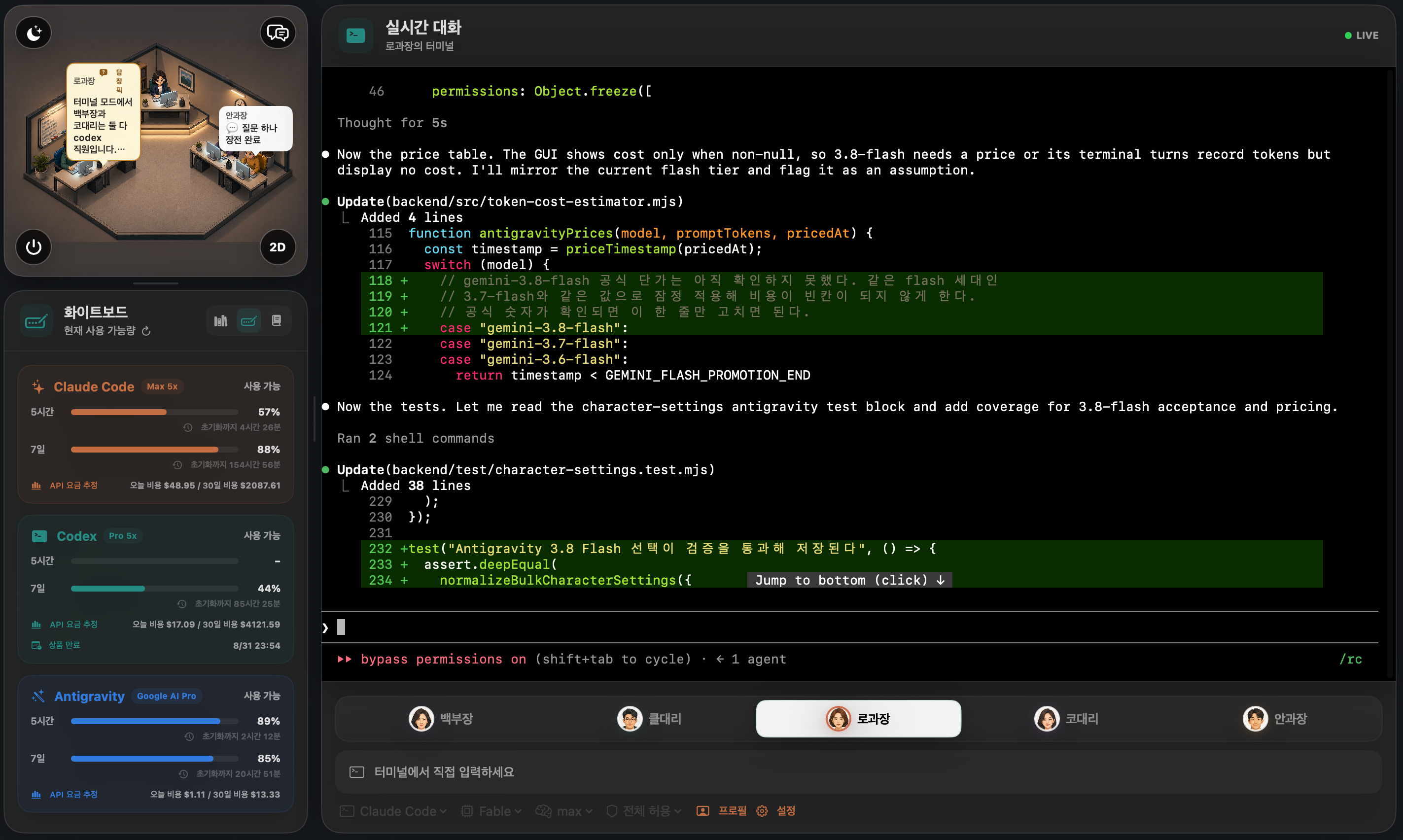
OFFICESTRA orchestrating Claude Code, Codex, and Antigravity in one place

Three AI providers · Five independent sessions · One local control room

Why should using more AI make work more complicated?

Claude Code conversations stay in Claude Code. Codex work stays in Codex. Antigravity sessions stay in Antigravity. OFFICESTRA does not force them into one artificial conversation. It preserves each provider's native flow and brings their operation into one shared view.

The features that matter

Five AI coworkers, five independent sessions

Assign Claude Code, Codex, or Antigravity to each coworker, then give every one a different role and model. Conversations never get mixed, and each coworker resumes its own session when you return. All history is shared through the database, RAG, and the internal wiki.

New models and reasoning options automatically, your choice

Available models and supported reasoning levels are refreshed from each CLI. New models appear in the picker automatically. Hide only the ones you do not want, then choose each coworker's model and reasoning level yourself.

Run work in parallel and see it all

Give different tasks to several coworkers at once. For each coworker, see who is thinking, which commands and tools are running, what changed, and what answer they produced.

Let a lead AI delegate and consolidate

Ask the lead coworker to assign work to several coworkers. Their conversations remain independent while the lead coworker gathers the results and finishes the job.

Move between the GUI and a real terminal

Open a coworker's current session as an interactive native CLI whenever you want direct control. Return to the GUI and the terminal work remains part of that coworker's history.

Keep conversations, work, and limits together

Completed work and conversations stay local. Find a coworker's previous work, check each CLI's remaining limits and context, and decide which AI should take the next task.
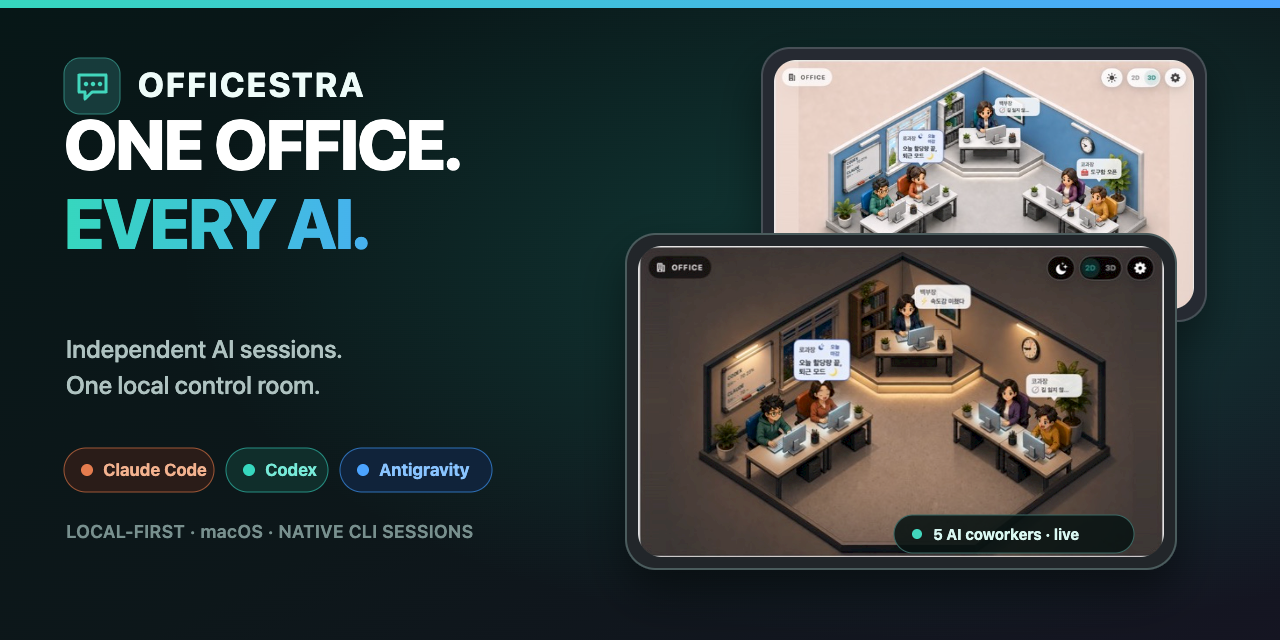
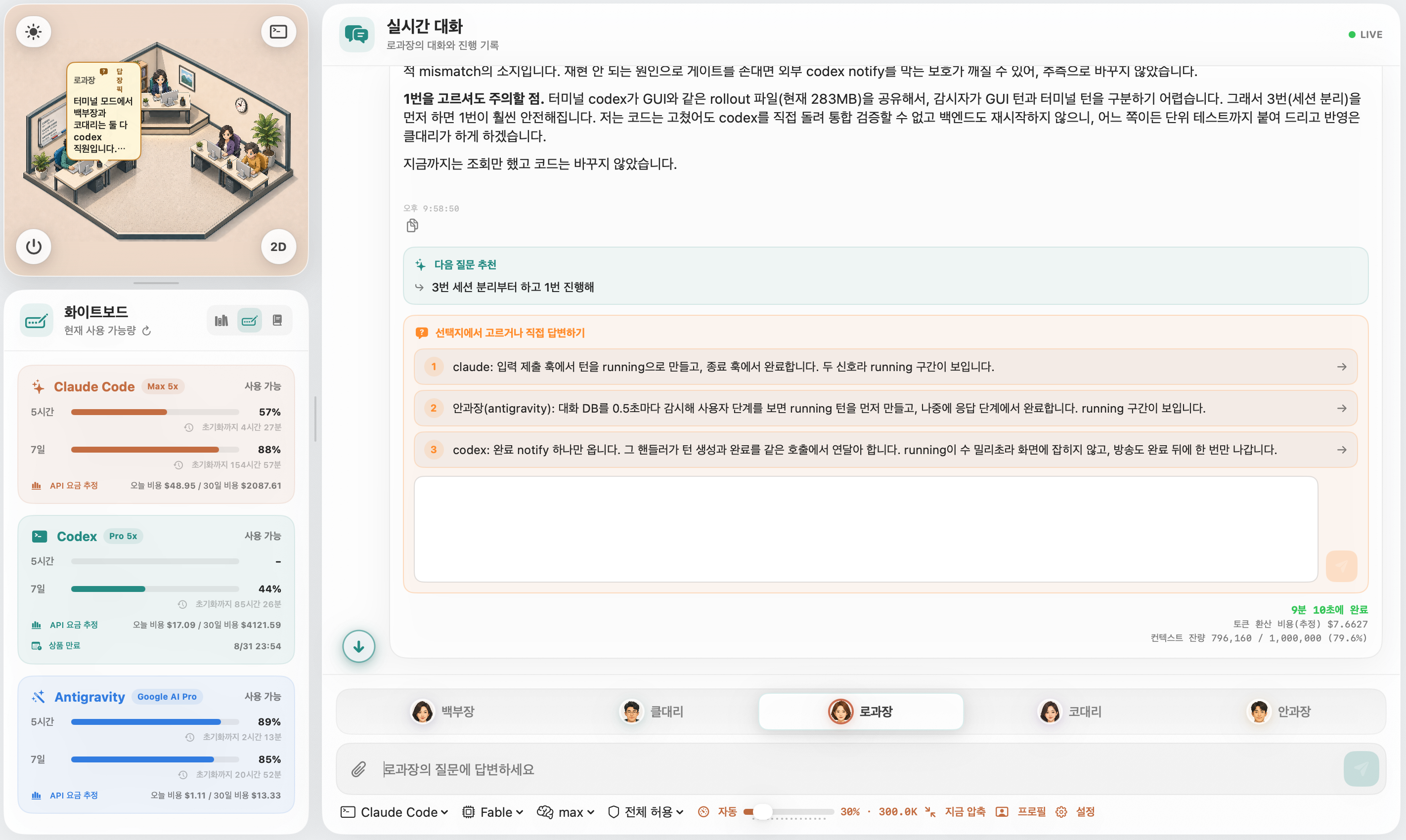
Two ways to work: GUI and real terminal

OFFICESTRA GUI mode
GUI modeConversations, work history, and coworkers in one view
Claude Code CLI running inside OFFICESTRA terminal mode
Terminal modeThe same coworker's live Claude Code CLI session

OFFICESTRA is for you if

  • You use Claude Code, Codex, and Antigravity but are tired of managing windows and sessions.
  • You prefer separate role-based AI conversations over one enormous chat.
  • You want to explore multi-AI orchestration without building a platform yourself.
  • You want one clear view of what every AI is actually doing.

Supported CLIs

  • OpenAI Codex CLI
  • Anthropic Claude Code
  • Google Antigravity CLI

Available models, reasoning levels, and limit information depend on each account and installed CLI version.

Get started

The easiest way is to let an AI do it. Send the sentence below to the Codex, Claude Code, or Antigravity you already use.

“Download https://github.com/neosp8888-design/officestra.git to this Mac and run OFFICESTRA. Preserve my existing AI CLI logins and projects, inspect the environment first, install only the missing dependencies, and confirm that the app and the local backend start correctly.”

To install manually, clone the repository and start the backend and the app. Prerequisites and step-by-step instructions are in the GitHub README.

git clone https://github.com/neosp8888-design/officestra.git "$HOME/OFFICESTRA"
cd "$HOME/OFFICESTRA"
./scripts/start-backend.sh
swift run OfficeLLM

OFFICESTRA is still a preview and does not ship a DMG yet. Keep backups when working on anything important.